Sort Items in the Collection
Use Collections from java.util to sort our list. Let’s have a look at the sample below: The result:

Use Collections from java.util to sort our list. Let’s have a look at the sample below: The result:

This is the very important part we need to know about the data modeling in Hybris. SAP Commerce allows you to match your specific business needs through product and data modeling. Good understanding of the type system allows you to reflect in your application your business model. The bean and enum generation feature also serves that […]
In this post, we will learn about how to custom the media url as our expected. As usual, we upload a media file, the media URL will contain some text like “..?context=…”, if we share this URL and after a period of time, we can not access that URL anymore because the new version is […]
String is an immutable data type (does not allow modification data after instantiation) while StringBuilder and StringBuffer are mutable data types. The table below will list the different characteristics between StringBuffer and StringBuilder. No. StringBuffer StringBuilder 1. Mechanism StringBuffer is synchronized (thread-safe). It means two threads can’t execute simultaneously methods of StringBuffer. StringBuilder is non-synchronized (not thread-safe). It […]
Hi everyone. In this post, we will come into the different concepts, not about CMS, we will learn about: Let’s go. 1)What is a cronjob? SAP Commerce provides a means to set up regular tasks. With these tasks or cron jobs, you can repeatedly perform complex business logic at particular times and intervals. 2) Why […]
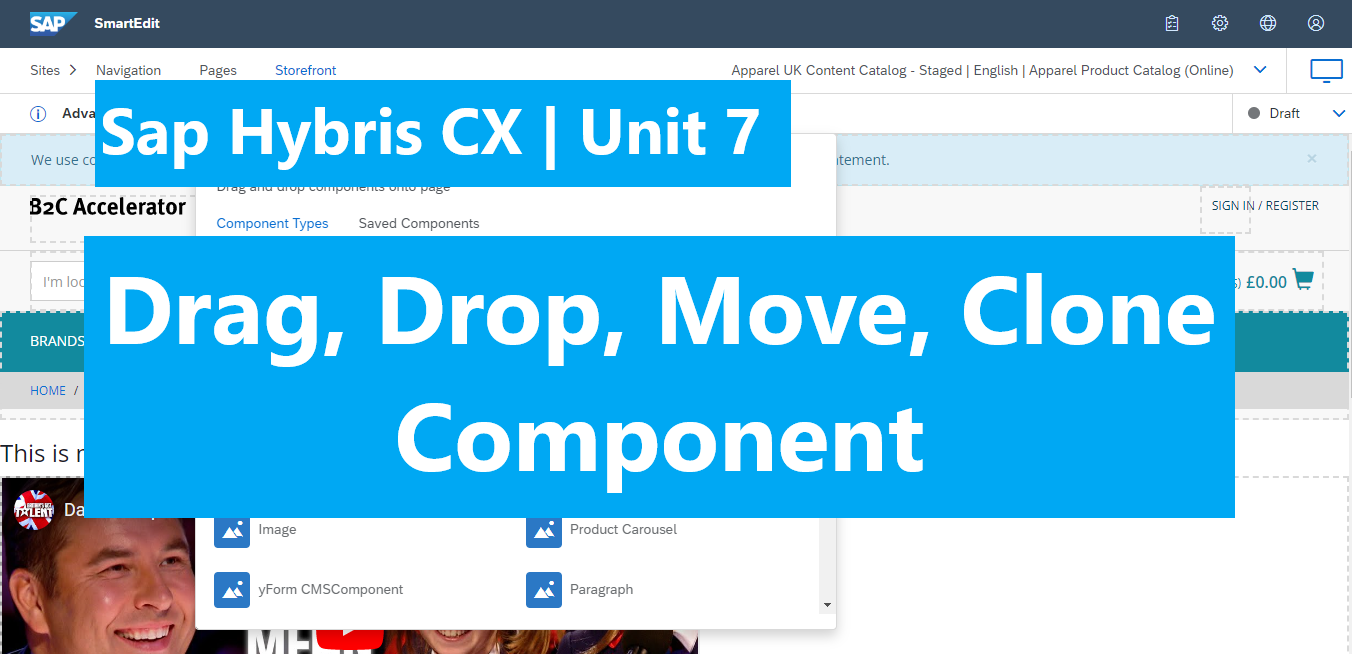
In this post, we will learn how to drag and drop and clone the Youtube component which created in unit 3. Contents: Let’s go. 1)Allow components are available in Add Component “+ Component” section. Wide and Narrow are common pre-defined group in Hybris platform. They allow us drag, drop, edit, delete component in cms page. […]
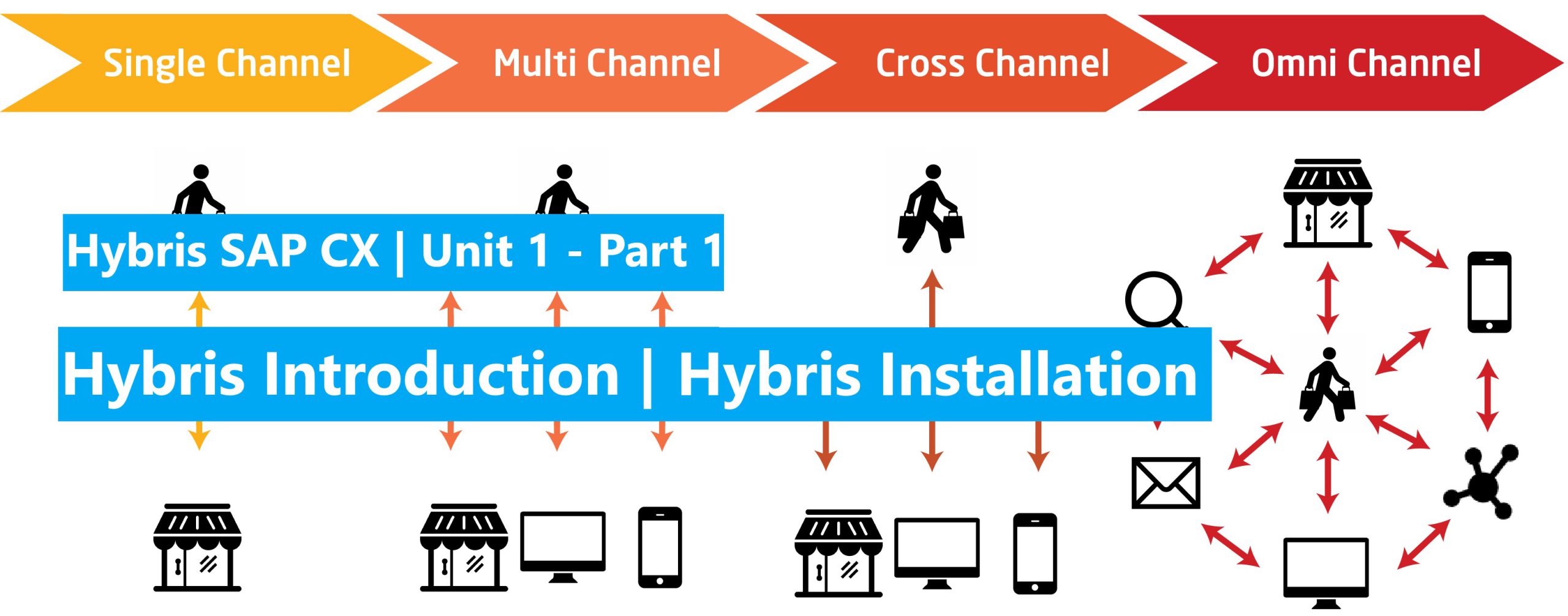
Hello everyone. Now we are coming to the series of posts about learning SAP Hybris. I have created some posts belong this series before (about Hybris CMS from Unit 2 – Unit 6). Now I think I should create a fundamental to advanced series not only to share my knowledge to everyone but also to […]
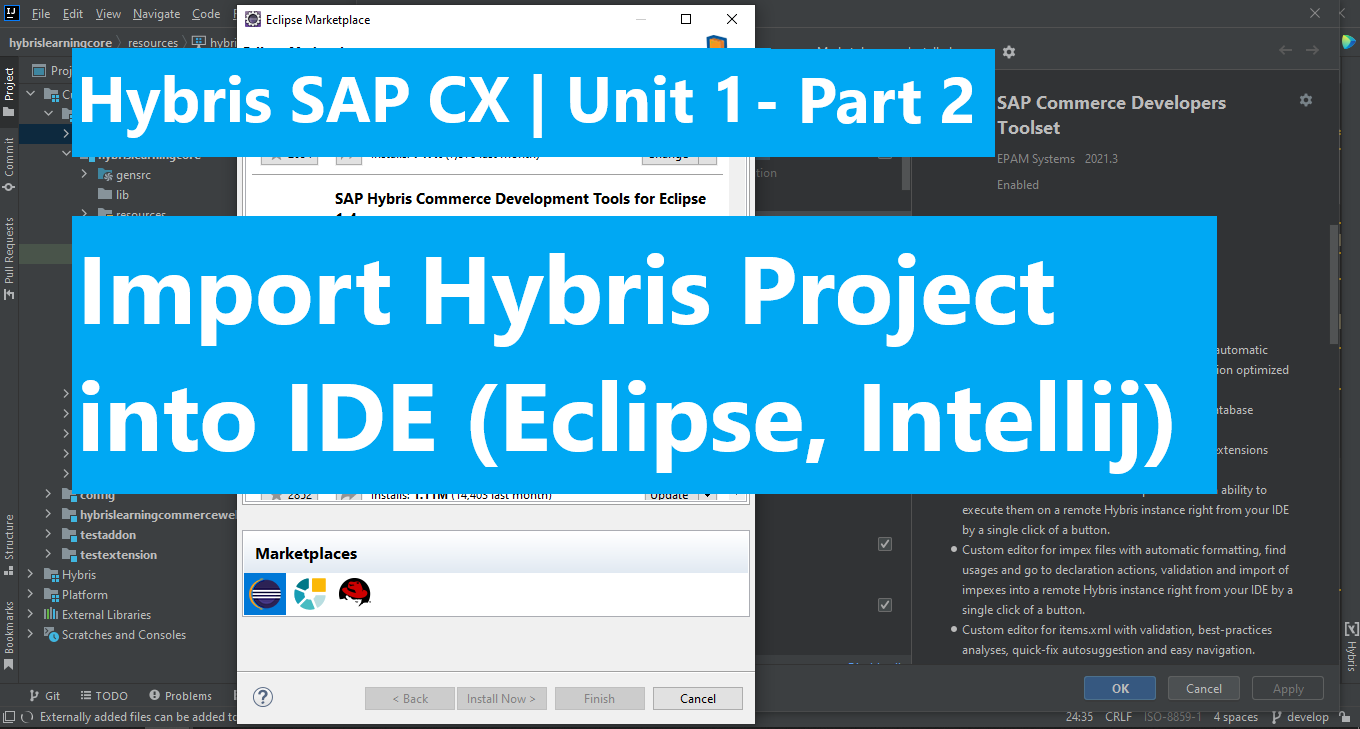
In this post, we will lean how to import our Hybris project into common IDE. Part 1: Import Hybris Project into Intellij IDE Part 2: Import Hybris Project into Eclipse IDE Congratulation.!!! We did it. In the next post we will learn how to create custom template in WCMS. Happy coding.!!! <3 <<< Hybris Introduction […]
In the Unit 3, we known how to create content for page by adding content of custom components into the template. But this added content seem applied to all pages which use the same template. The question is how to separate content for each page which are using the same template.? In this post we […]
The Visitor helps us to catch the change value on the reference attributes of components. NOTE: It won’t work for partof=”true” attributes. Steps: 1, Create a visitor java file. 2, Register the visitor bean into context. 3, Map the cms visitor with the Component model Let’s go. 1, Create a visitor java file. OOTB also […]